Controlling
Your IMAP Disk Space by Creating local folders for
your Outlook emails.
This allows you to retain your old emails while not
exceeding your Email box quota.
It is suggested that you use this process on emails
that are more than a few weeks old
and don�t
need to be viewed on all your devices
Open Outlook
1. Click
on File/New Folder
2. Type
in the folder you wish to create
3. Click
OK
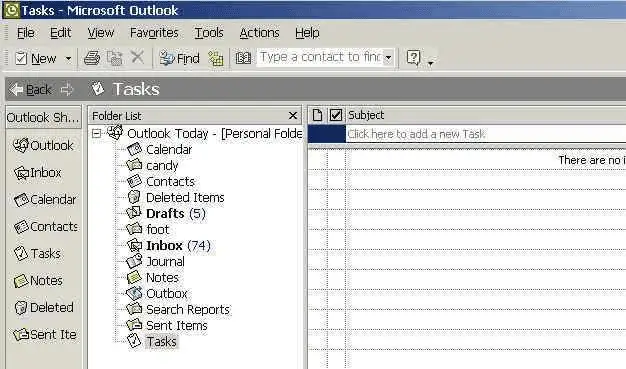
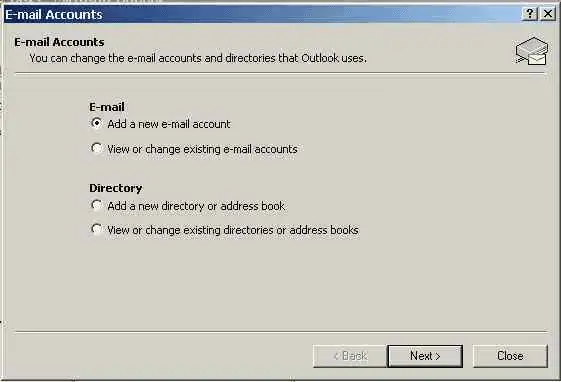
The folder will display
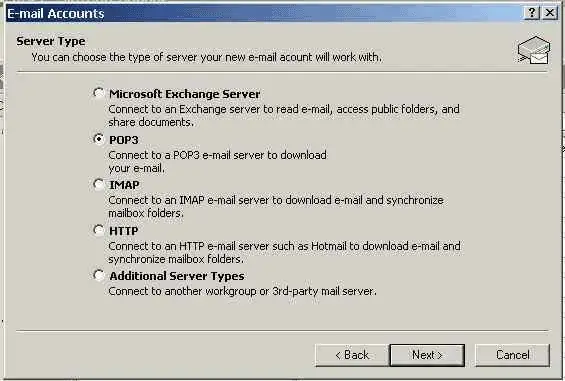
4. You
may add sub-folders by clicking on Archive and repeating steps 1, 2 & 3.
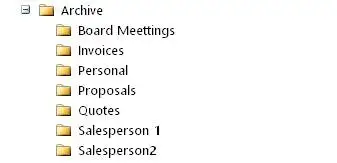
You will now be able to view the folders. See below.
Click on Personal Folders to see the Archive folder. To see the sub-folders
click on Archive.
To remove the emails from your IMAP account (take them off
the server) drag and drop your emails into the appropriate folder. You will be
able to view the emails on your computer.
This information is provided as a courtsey by
LPH. If you don't have the ability to set up Outlook folders consult with
your IT support person.