LPH Improves Profits with SEO Services, B2B Content Marketing, and Metrics Based Marketing


Cpanel Email Account Reset Password Instructions
 

How to reset a Cpanel email account Password in 6 easy steps

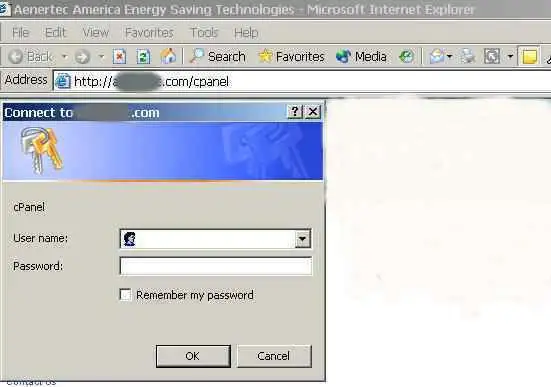
To reset a Cpanel email account password go to your web site/Cpanel as shown below, using your web site's URL +/Cpanel or your IP address +/cPanel if your IP has not resolved.

When a pop up menu comes up fill in your web site's user name and password. (This information was supplied to you when your hosting account was set up.) Click OK.

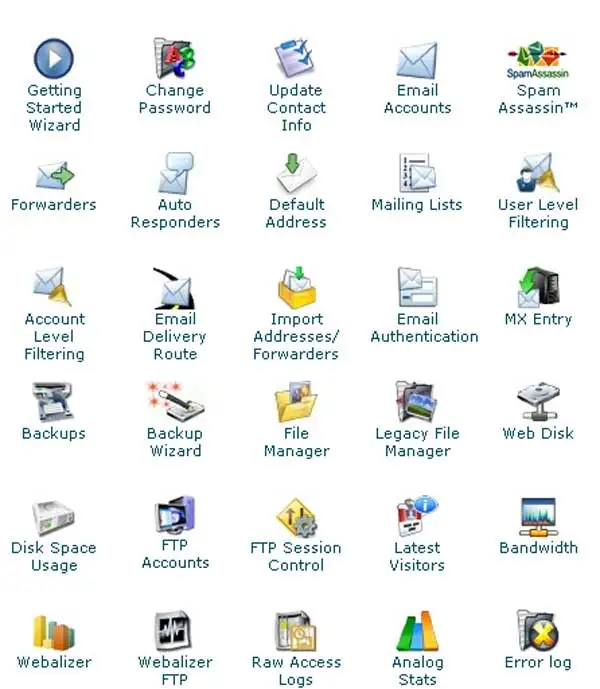
The screen below will appear. Click on Email Accounts.

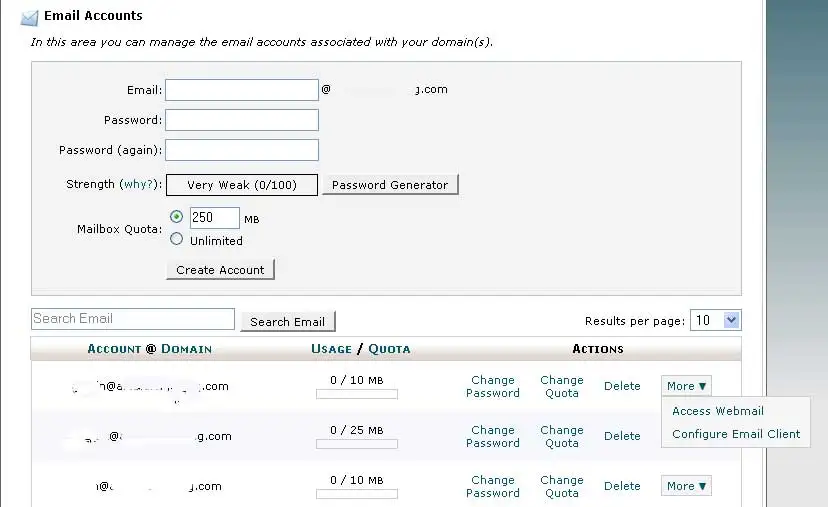
The screen below will appear. Click on Change Password next to the Email Account you want to make the password change.

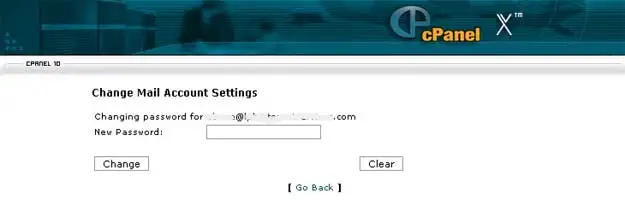
The screen below will appear. Fill in Password box. Click on Change.

The password is now changed. Change the password in Outlook to match your new password.